Shopify Color Swatches: The Complete Guide
Written by The Kickflip Team
February 16th, 2024
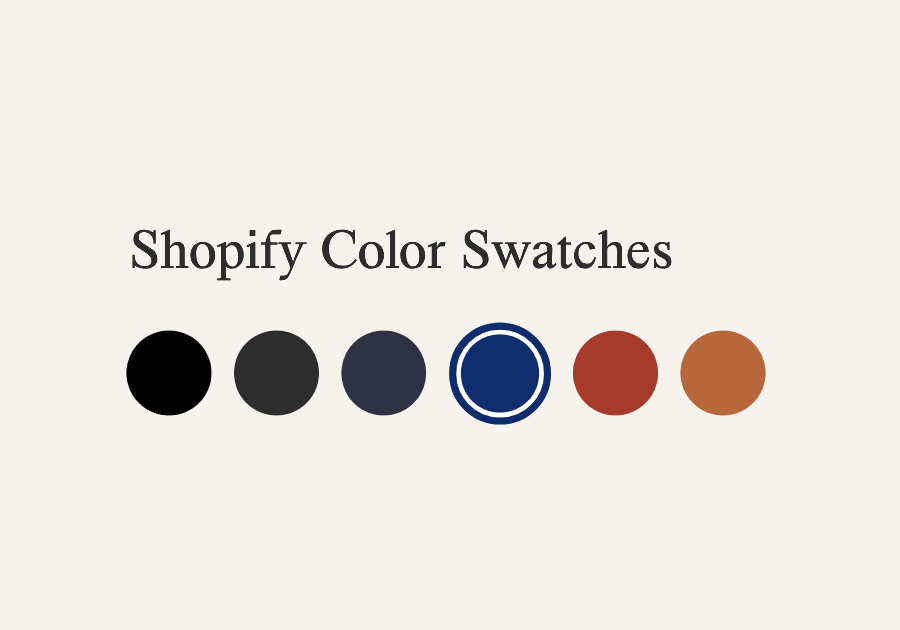
Table Of Contents
Shopify Color swatches are a great feature to have on any product page of your online store. They are definitely very intuitive for customers who want to see a product in different colors before making a purchase. Shopify recently unveiled a native color swatches feature (currently available in early access), providing a more robust solution for developers to add swatches to your product pages. This guide will explore this new Shopify feature and offer alternatives if you can’t access it or wish to offer more custom options, besides color swatches.
What Are Shopify Color Swatches?
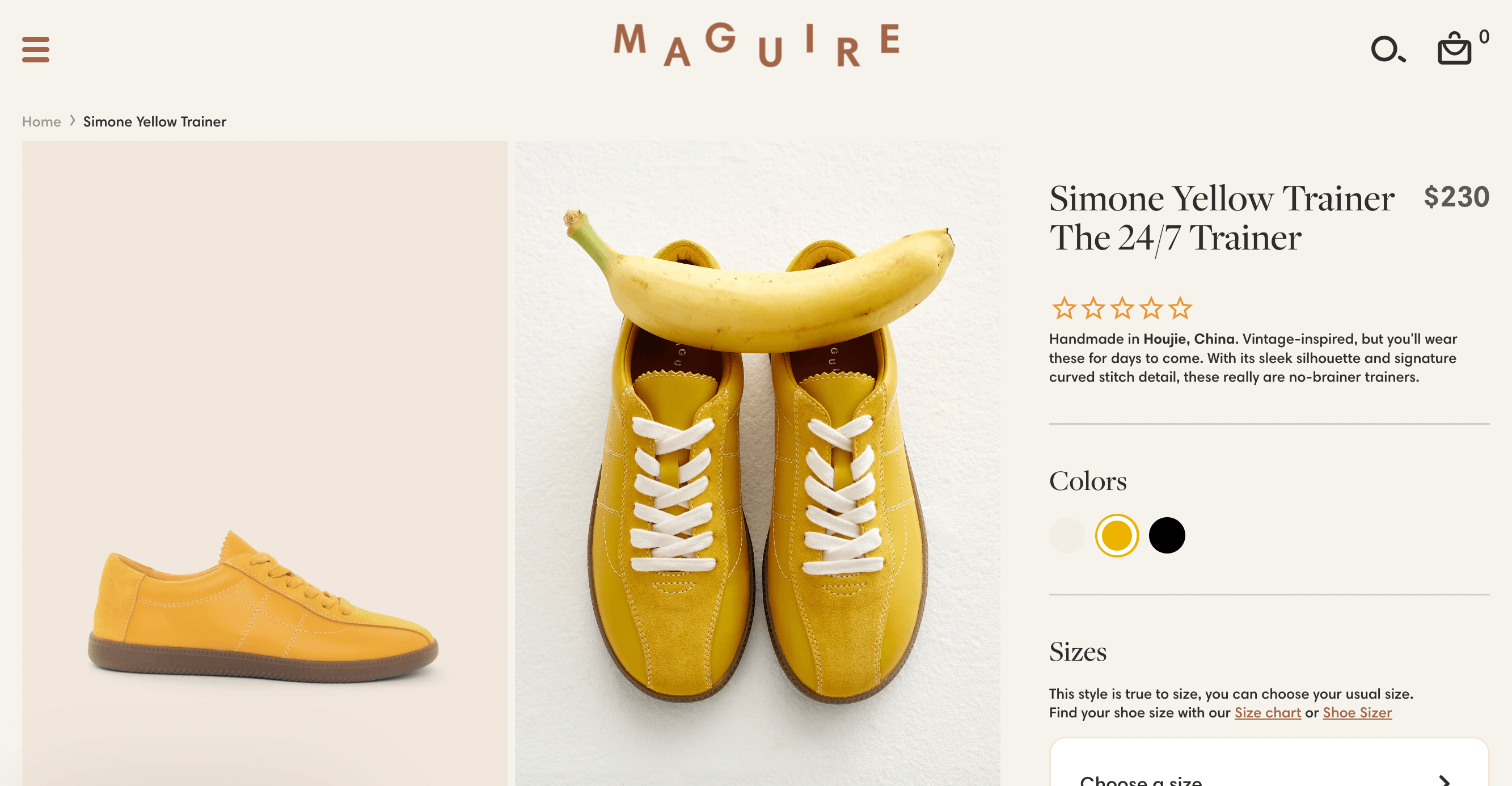
In Shopify, color swatches are small, clickable components representing different product options. Instead of using a simple dropdown menu, they offer a more engaging way for customers to select the product they want. Each swatch displays a specific color or texture, and when clicked, it updates the product image.
Benefits of Using Color Swatches in your product page
There are a lot of good things about using Shopify's color swatches. The following are some of the benefits of using them:
Improved Customer Experience: Color swatches give your customers a better shopping experience. They let customers see the color or texture options for your products, facilitating faster, more informed choices. Swatches also help reduce cognitive load and decision fatigue for your customers by allowing them to visually decide on options.
Modern feel: Color swatches add a modern and polished look to your product pages, reflecting well on your brand image. The intuitive swatches ensure a user-friendly experience for your customers, making your website more visually appealing and up-to-date.
Increased Sales Potential: By offering color swatches, you provide customers with more options and customization possibilities. This can lead to higher sales as customers are more likely to find the exact product variant that suits their preferences
How do I get color swatches on Shopify?
1. Shopify's native color swatches (new)
Before Shopify introduced its native color swatches feature, merchants had to rely on developers to generate custom code for incorporating color swatches into their themes. With Products 2.0, theme developers can now access a more robust solution to create color Swatches. This implies that an increasing number of Shopify themes will eventually provide support for color swatches. At the moment, the latest version of the Dawn theme already supports swatches.
Shopify color swatches are currently in early access mode. Shopify has not yet announced when everyone will have access. You can get on the list for early access by heading to Shopify Editions Winter 2024. If you get access to Shopify’s new color swatches, you can ask a developper to implement color swatches to your theme using the new feature. This technical guide provides a good overview of the general approach your developer should take.
2. Using a Color Swatch App
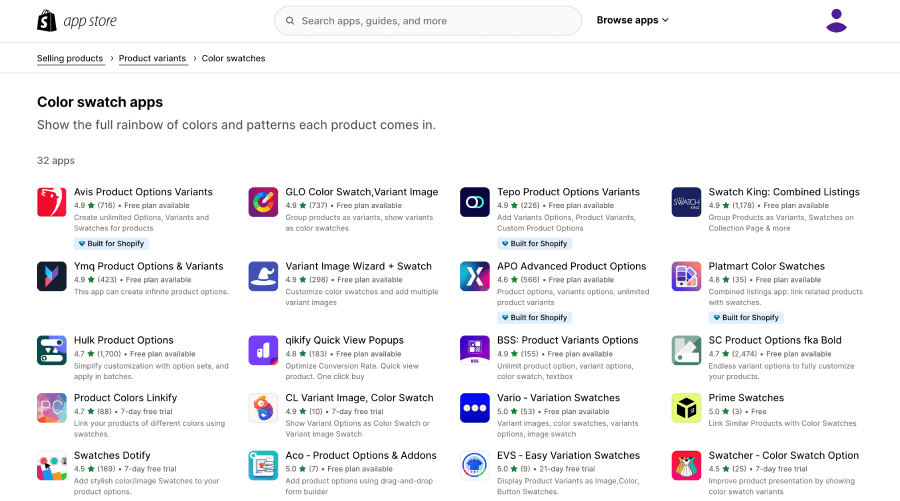
Your theme doesn't offer color swatch support or you can't wait until Product 2.0 is available and a developer implements it for you? You can still give your customers swatch options, multiple apps allow you to incorporate swatches into your product pages. Check out color swatch apps in the Shopify app store. Some popular app options for color swatches include: GLO Color Swatch, Globo Product Options, and PL Product Color Swatches. Some of these apps are free, while others have paid plans with more features. If you’re not sure about which app to pick, start with an app with a basic free plan and see how it works in your store.
Beyond Color Swatches : Offering More Custom Product Options
Shopify color swatches are great if you only need to offer a few variant options. If your product has a greater number of options, especially if these options are connected logically, you should consider using a product customization app like Kickflip.
Kickflip offers significantly more flexibility and control compared to simple color swatches. It enables you to provide a wide range of customization options, allowing customers to personalize products in detail, including textures, patterns, text, and various design elements.
Kickflip Color Swatches
Let’s take a closer look at some of Kickflip's more advanced features related to color swatches.
Create unlimited swatches and variants
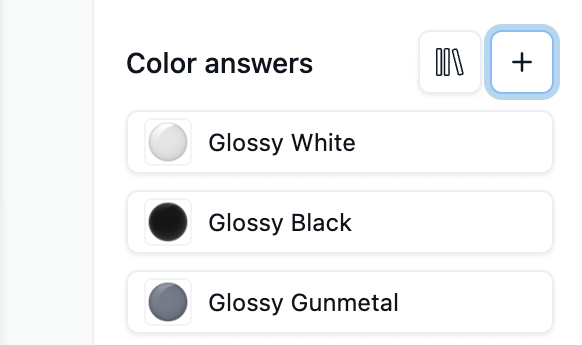
With Kickflip, you can create unlimited swatches. To create a new swatch, you first need to create a question and select “Thumbnails” as the input type. Then within that question, click on + to add an answer. Every answer will be represented as a swatch.
Custom swatch images
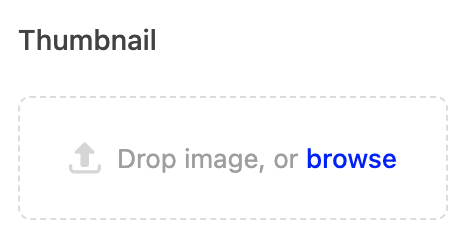
You can upload files (png images) to display on your swatches. Simply upload your swatch image file under 'Thumbnail'. You will have the option to upload png files to use as thumbnails or specify hex values for color questions.
Fully customize your swatches without CSS
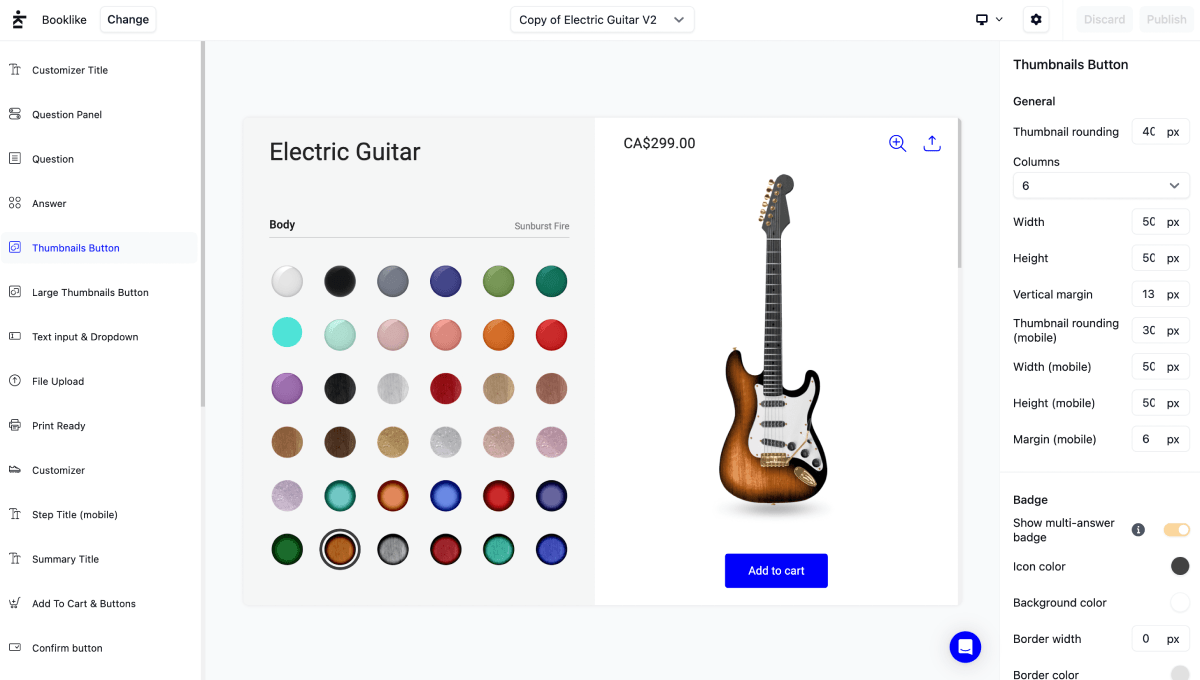
Kickflip color swatches are fully customizable. There's no need to edit CSS code, you can use Kickflip's powerful theme editor to entirely modify their appearance. On the left side of the theme editor, simply select ‘Thumbnails Button’ or ‘Large Thumbnails Button’ and then several theme settings allow you to modify the swatches such as the width, height, rounding, spacing, outline thickness and even more.
Displaying option names in tooltips or under the swatches
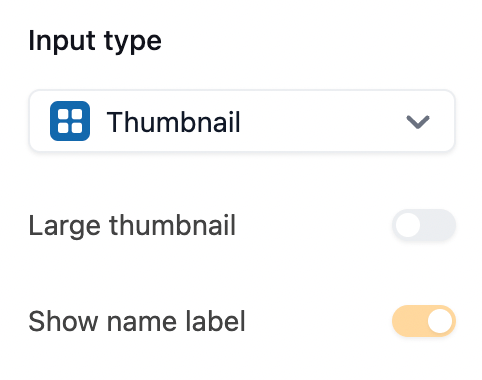
When you hover over a swatch, a tooltip displays the product option name. It's also possible to display the different variant names under the swatches. To do this, toggle on the 'Show name label' setting within your question.
Creating text swatches
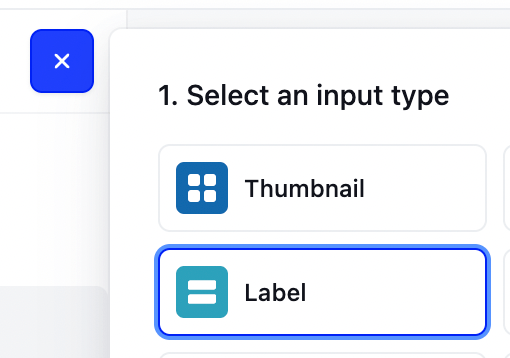
Kickflip allows you to create text swatches. In Kickflip those are called Labels.
Combining options logically
Kickflip's logic rules allow you to hide or show swatches based on other choices your customer's made. In the video above, we are only showing Glossy swatches when the customer Selected Glossy as the Pickguard Finish.
Pricing upcharges
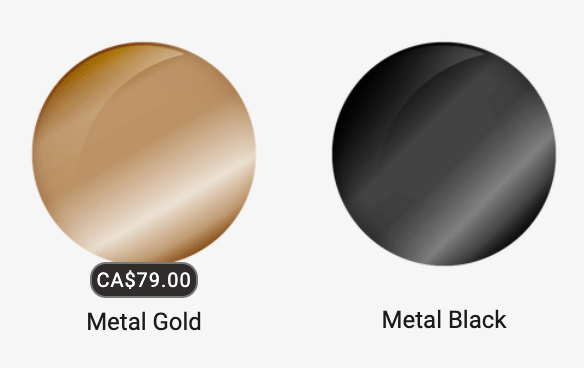
Kickflip allows you to associate pricing upcharges to swatches and update the total price of your product in real-time based on your customer's selection.
Give Kickflip a try!
With an overall rating of 4.6 on the Shopify app store and more than a 100 reviews, Kickflip is highly recommended for businesses looking to enhance their ecommerce experience. But don’t take our word for it, find out more by giving it a try! Get started today with a Kickflip.
Our support team is here to help you every step of the way. Feel free to contact us via email or visit our Help Center to find our complete documentation and tutorials.
Future reading
How to Write a Shopify Product Description that Sell
How to Improve Your Shopify Product Page
How to add custom product options & variants on Shopify
Share This article

Written by The Kickflip Team
February 16th, 2024
The Kickflip team is made up of ecommerce specialists, product experts, and engineers behind Kickflip, a product configurator platform for Shopify, WooCommerce, and Wix. Since 2010, we’ve helped thousands of brands scale personalized product experiences, from startups to Fortune 500 companies. On our blog, we share practical insights to help you improve the buying experience and grow your business with product customization.


Maarten Luyckx
Osaka World
The user-friendly interface of Kickflip, combined with excellent customer service, ensured that this project was brought to a successful and beautiful conclusion.
Shopify App Store
May 20, 2021

Marie-Laetitia Rossazza
My Dust Bag
It took me a long time to find the perfect customizer app, and I’m so happy to say that I finally did! Kickflip is truly the best app on the market. The front end and back end are excellent, and the team behind it is incredibly kind and helpful!
Shopify App Store
September 1, 2023

Brad Jurga
All-Star Sporting Goods
Kickflip made everything easy, from designing the builder all the way through launch. We’re designing truly custom equipment for elite baseball players and this platform allows us to have better engagement and excitement around our brand. We’re seeing an instant return.
Shopify App Store
June 16, 2025

Kasper Taylor
CodedInk
My experience with both the product and the support team has been fantastic. The user interface and user experience are excellent. The features are powerful, and the WooCommerce integration is seamless and easy to set up.
G2.com
June 16, 2025

Saber Naceur
Vinylacy
By far, and I truly mean it, the best customizer available on Shopify. It’s easy to understand and manage, offers options for all types of products, and works extremely well. On top of that, it looks beautiful and feels premium. Highly recommended.
Shopify App Store
December 17, 2022

Jesus Guillermo de León Pérez
Dismo
Kickflip is a fantastic tool. It’s super intuitive, easy to use, and packed with capabilities. You don’t have to be an expert or have experience with other products to get started. The support team is also great and very responsive.
Shopify App Store
July 10, 2024

Frieder Urban
Era of Arc
We were looking for an uncomplicated configurator that was quick and easy to set up, offered plenty of design options, and worked reliably with fast loading times. We tested many configurators on the market, and with Kickflip, we found exactly what we needed.
Shopify App Store
October 10, 2024

John Taggart
Jack Harry and Ollie
What a great addition to our business Kickflip has been. It’s been fantastic to offer our customers the ability to personalize their orders. The support has been excellent, and we especially love that the pricing is tied to our success as customers make purchases.
Shopify App Store
May 7, 2021

TJ Garske
The Net Return
Kickflip saves our team a ton of time by eliminating the need to create custom mockups for customers. Customers can build their product themselves and place an order instantly, without any back-and-forth.
G2.com
January 26, 2026

Amin Hasani
CURVD
After extensive research into product customizer tools, we chose Kickflip for many reasons. We don’t like complicating simple tasks for customers, and Kickflip helped us simplify the process and create a seamless customer experience.
Shopify App Store
July 29, 2025